
Greenhouse Automation: Climate and Irrigation Software
Greenhouse automation software brings climate readings, irrigation and fertigation actions, alarms and production records into one operational view. Sensors and
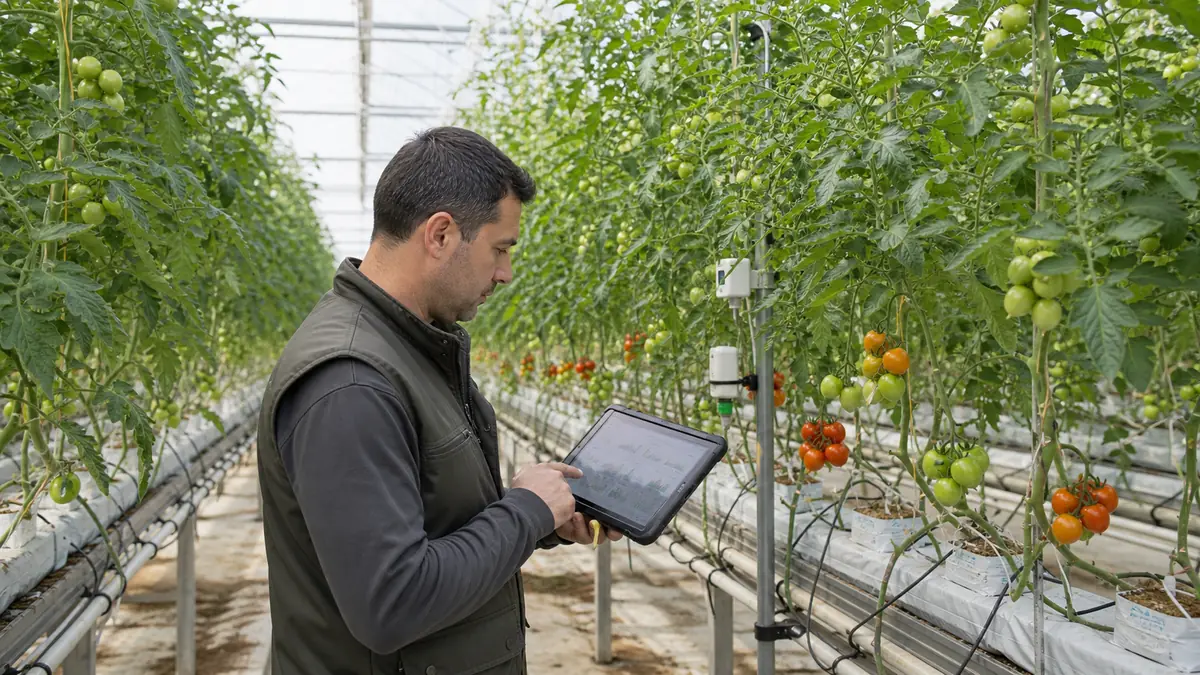
Greenhouse automation software brings climate readings, irrigation and fertigation actions, alarms and production records into one operational view. Sensors and controllers are important, but the real value comes from turning measurements into traceable decisions and repeatable rules.
This guide describes the software architecture and project stages. Hardware selection must be based on the greenhouse, crop, existing controllers and local operating conditions.
What problems does a greenhouse panel solve?
Without a shared system, measurements may remain in controller screens, notebooks and separate spreadsheets. This makes it difficult to compare conditions, understand why an action occurred or review a full production period.
A useful panel can provide:
- current and historical climate readings;
- irrigation and fertigation schedules;
- rule-based actions and manual overrides;
- alarm thresholds and notification history;
- crop, block and production records;
- equipment status and communication errors;
- exportable reports for analysis.
Three levels of automation
Level 1: monitoring
The system collects and displays measurements such as temperature, humidity and soil or substrate values. It creates history and alerts, but the operator still performs actions manually.
Level 2: rule-based control
Approved rules trigger actions under defined conditions. Examples include starting an irrigation sequence or opening ventilation when thresholds and safety conditions are met. Every action needs a log and a manual override.
Level 3: optimization and forecasting
Historical data can support trend analysis, anomaly detection and decision recommendations. This level requires reliable data, consistent calibration and enough operating history. Predictive features should not be promised before the data foundation exists.
Core software modules
| Module | Purpose |
|---|---|
| Device integration | Receive data from sensors, controllers and gateways |
| Rule engine | Evaluate thresholds, schedules and safety conditions |
| Dashboard | Present current status and historical trends |
| Alarm center | Record warnings, acknowledgements and responses |
| Production records | Connect observations and actions to crop periods |
| Reporting | Compare blocks, periods and operational indicators |
| User management | Limit actions by role and record changes |
Safety and reliability requirements
Greenhouse software interacts with physical operations. Design must account for communication loss, invalid sensor values, power interruptions and conflicting commands.
Recommended safeguards include:
- local controller fallback when the internet is unavailable;
- validated sensor ranges and calibration records;
- explicit manual override controls;
- alarm escalation and acknowledgement;
- audit logs for settings and actions;
- backups and tested recovery procedures;
- role-based permissions for critical changes.
Cloud connectivity should improve visibility without making basic greenhouse operation dependent on a permanent external connection.
A practical implementation sequence
1. Inventory greenhouse zones, devices and communication protocols.
2. Define the measurements and actions that matter operationally.
3. Establish sensor calibration and data-quality rules.
4. Begin with monitoring and history.
5. Add alerts and operator acknowledgement.
6. Pilot a limited set of control rules.
7. Expand only after reviewing real operating data.
How should return on investment be evaluated?
Avoid generic savings percentages. Establish a baseline for water, energy, labor, alarms, crop loss and response time. Compare the same indicators after implementation while considering crop and seasonal differences.
The most valuable outcome may be reduced risk and better traceability rather than a single percentage. The project should define which operational decisions will improve before selecting hardware or dashboards.
Frequently asked questions
Can existing equipment be integrated?
Often yes, depending on controller interfaces and communication protocols. A technical inventory is required before scope and cost can be confirmed.
Is internet access required for control?
Critical local control should have a safe fallback. Internet access is useful for remote monitoring, reporting and notifications, but the design should define behavior during an outage.
When should AI be added?
After the system has reliable, labeled historical data. Starting with “AI” before calibration, logging and process discipline usually creates unreliable recommendations.
For a system designed around your equipment and workflow, explore our [custom software services](/en/services) or [request a technical discovery](/en/quote).
About the author
Orhan Güzel builds production-ready web platforms and business software with Next.js, Fastify, and Laravel — based in Germany.